Free scroll tracker
How far do you scroll? Find out in feet.
Measure your scrolling in real feet. Time it. Rank against everyone, today and this month. Free.
Android · Chrome · Edge · Brave · Firefox · one board across all of them
Scroll it. Go red, hit Share, paste the picture anywhere.
Free, on every device
Measure, time and rank your scrolling.
📏 Measure
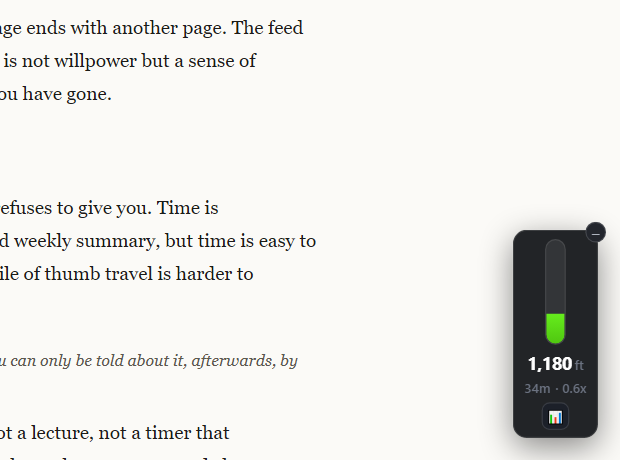
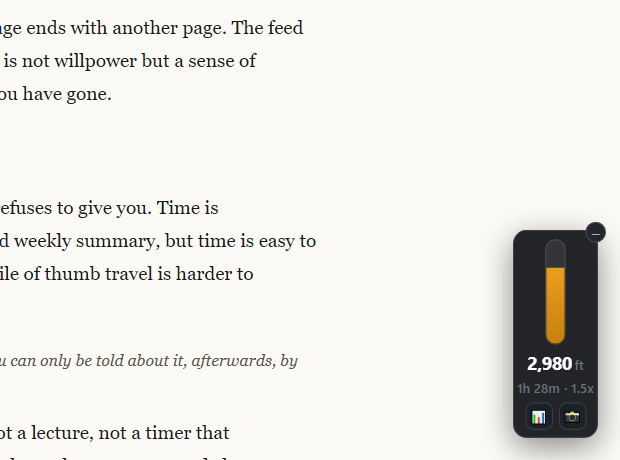
Every pixel you scroll, up or down, turned into real feet with your screen’s pixel density. Live, in the corner of every page and in your phone’s notification.
⏱️ Time
How long you actually spent scrolling today, next to the distance. Green under your usual day, red once you pass it.
🏆 Rank
A global leaderboard, daily and monthly. Sign in and your phone and browsers count as one of you.
Measured, not guessed
How far does the average person scroll?
Nobody really knows. The figures in the news — hundreds of feet a day, dozens of miles a year — are worked out from screen time and a guess at how far one flick goes. Scroll Feet counts yours, pixel by pixel, and shows you where that puts you against everyone else who’s counting.
What you get
Green most days. Red on the ones that count.
Install
One click.
Prefer the file? Download the signed .xpi and drag it onto Firefox.
Firefox — step by step
Android — step by step
Chrome, Edge, Brave — step by step
Premium
Measuring, timing and ranking are free. Making it yours is premium.
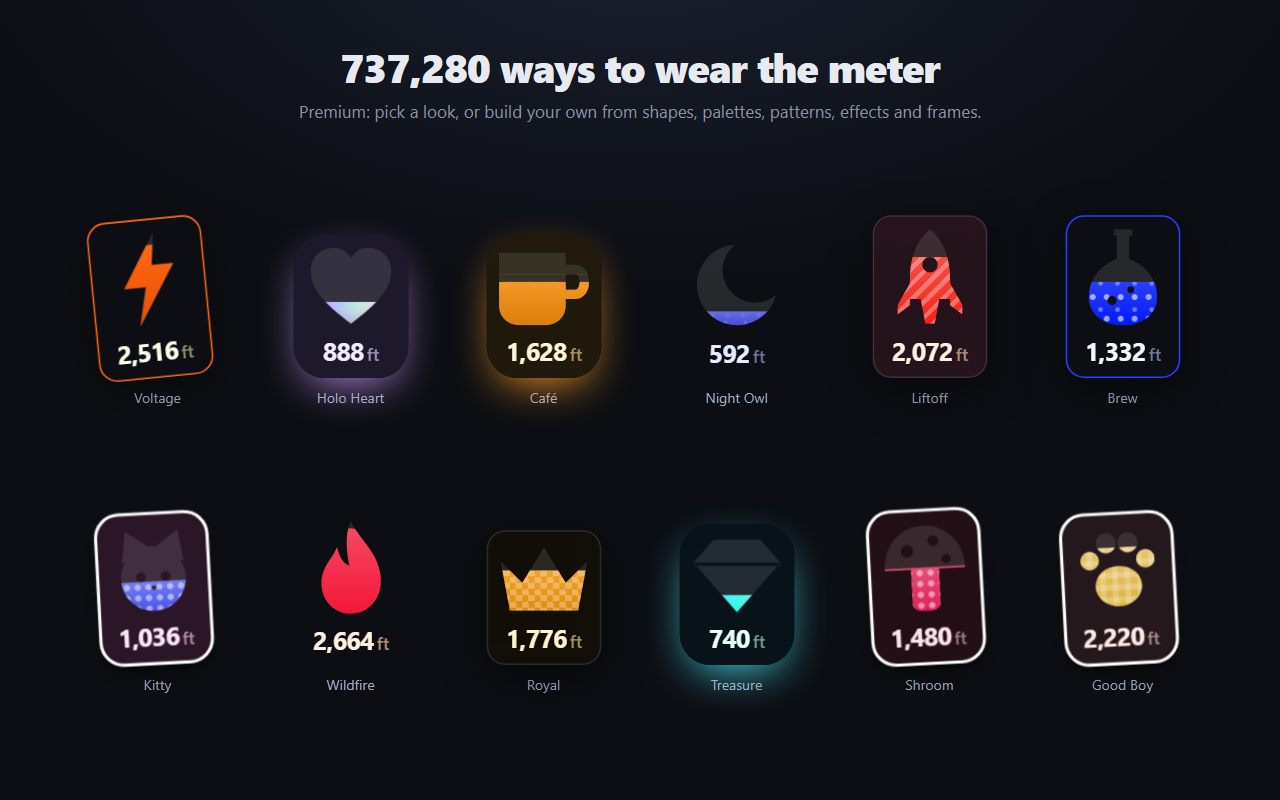
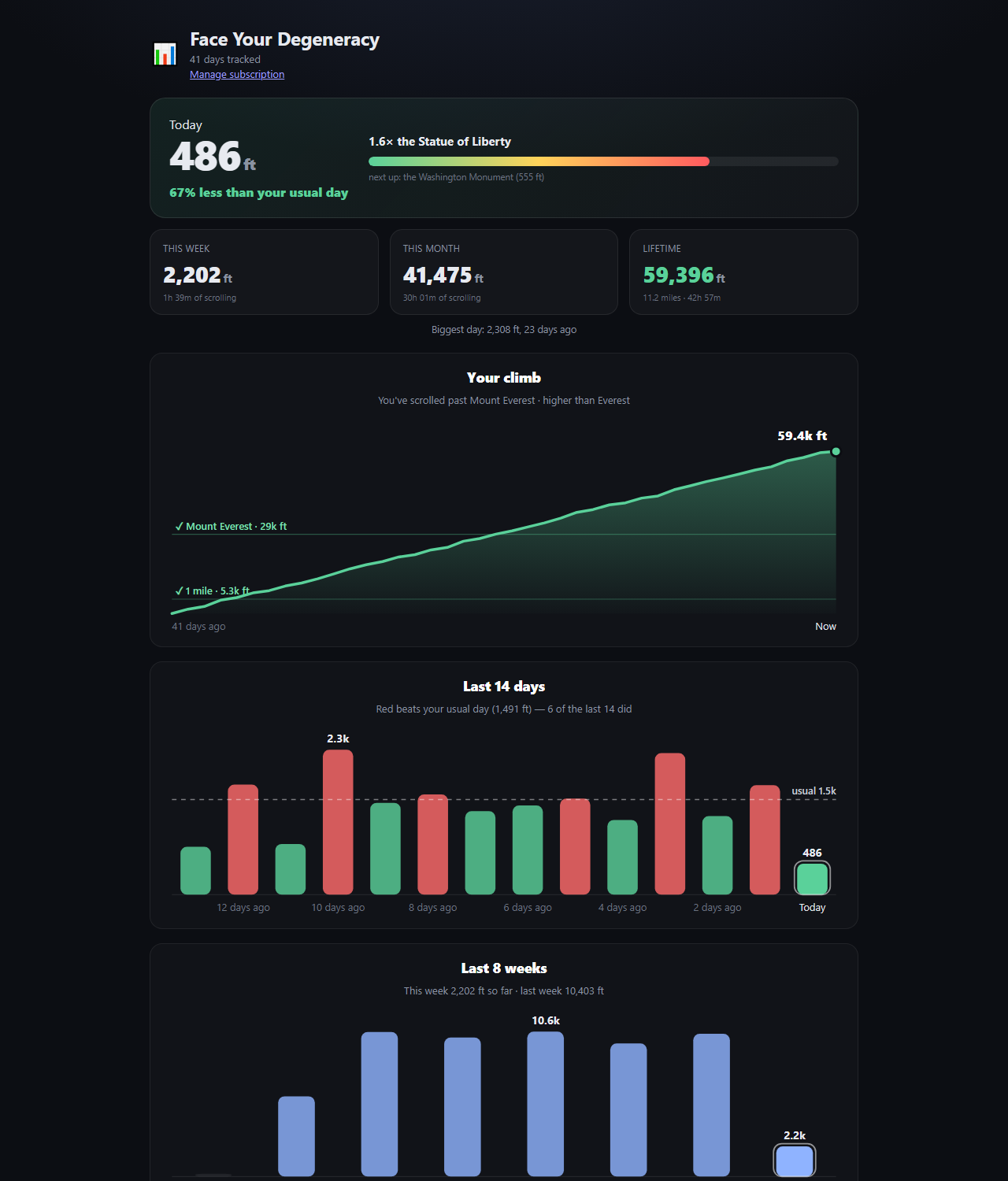
Custom looks for the meter, your icon and name on the leaderboard, and your full history — week, month, lifetime. Cancel anytime.
Bought inside the app or extension. Only distance and time leave your device (plus your email, if you sign in) — never what you were looking at. Privacy
Questions
Scroll tracking, answered.
- How far do I scroll?
- Install it and look at the corner of the page. It counts from the first flick.
- Is it free?
- Yes. Distance, time and both leaderboards are free. Premium is looks, your board icon and name, and history.
- Does it read my screen?
- No. It reads how far the page moved, never what is on it.
- How is it measured?
- Every pixel the page travels, up or down, converted to feet with your screen’s pixel density.
- Phone and laptop?
- Sign in on each and they add up to one place on the board.
- iPhone?
- Not yet. Android, Chrome, Edge, Brave and Firefox.